

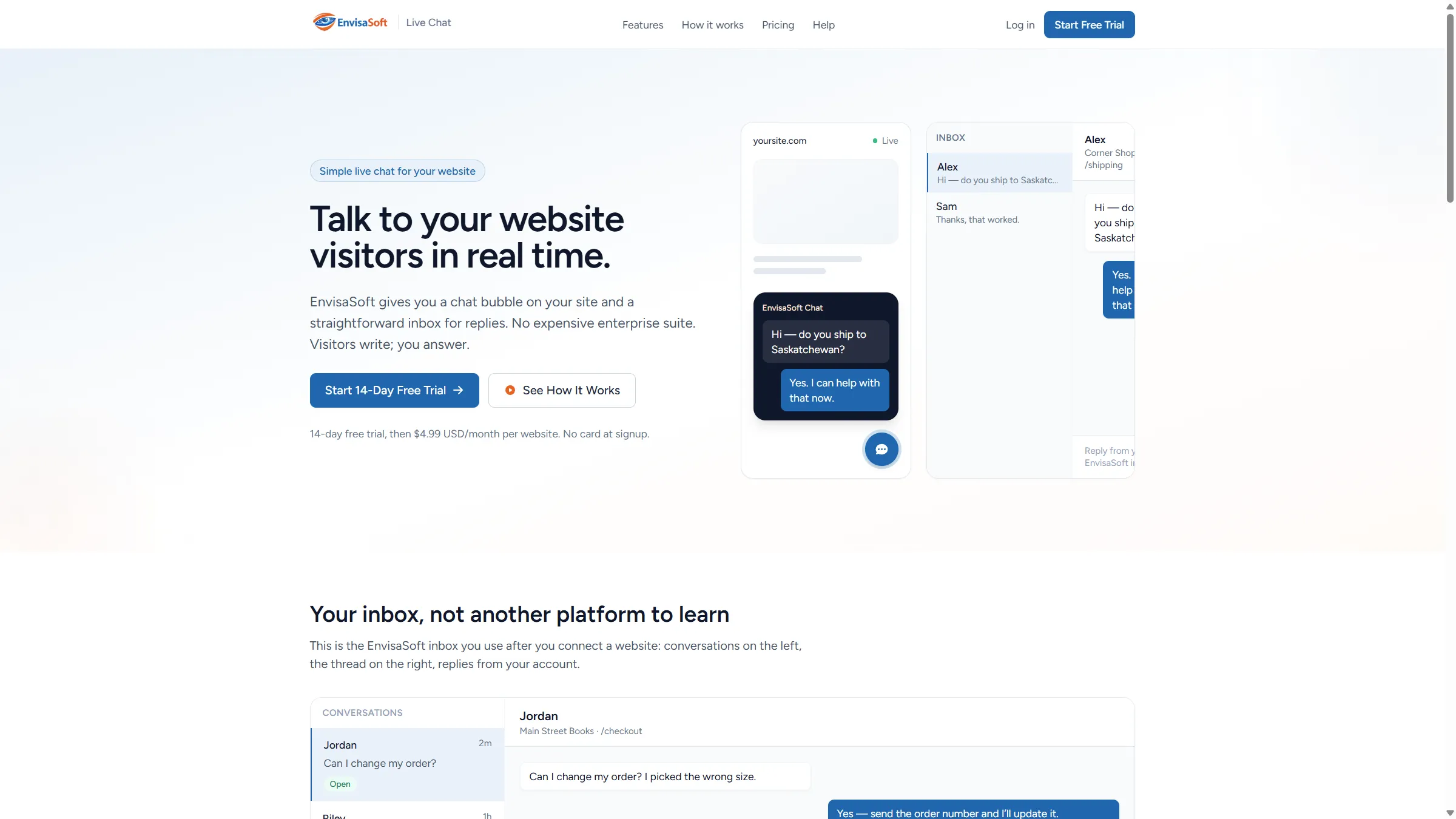
What it is
A simple live chat platform for modern websites.
EnvisaSoft Live Chat gives you a chat bubble on your site and a straightforward inbox for replies. Visitors write from your website; your team answers from one shared inbox. Connect WordPress, Astro, or any site with widget.js.
EnvisaSoft Live Chat is a shipped SaaS product, not a client case study. It is operated as a product of Author Elixir Inc. and presented here as part of the EnvisaSoft product ecosystem.
The product gives businesses a chat bubble for public pages and a straightforward inbox for replies, without an expensive enterprise suite. Visitors write from your site; you answer from EnvisaSoft.
Capabilities
What you get today.
Capabilities in the product today, not a roadmap.
Visitor widget
A chat bubble on public pages. If live updates drop, messages still send over HTTPS.
One inbox
Open conversations, reply as your team, and keep each website's chats separate.
Multiple websites
Add the sites you operate. Each site has its own widget, origin, and inbox list.
Team inboxes
Assign agent logins to a website so more than one person can reply.
WordPress Connect
Install the plugin, sign in, choose the website. No chat engine runs in WordPress.
Any website
Paste widget.js, or use the Astro helper. Same visitor chat either way.
Realtime + fallback
Live updates use WSS when it connects. Otherwise the widget polls over HTTPS.
Your data tools
Export JSON, set closed-conversation retention, deactivate a site, or delete a conversation.
How it works
Create account. Connect website. Start chatting.
- 01
Register as a customer, verify your email, and sign in. No payment form on signup.
- 02
Add your public URL. Connect WordPress, or paste the widget snippet or Astro helper.
- 03
When someone writes, the conversation appears in Inbox. Reply from there.
Integrations
WordPress, Astro, or any website.
WordPress
Install Live Chat by EnvisaSoft, then Connect EnvisaSoft. Sign in, choose the website, and the bubble turns on. The plugin only loads widget.js.
Any website
Add the snippet from your website page in EnvisaSoft. Keep the production widget URL at https://chat.envisasoft.com/widget.js
Astro
Use the Astro helper or the same widget.js file used by other sites.
widget.js
One embed script for visitor chat on sites that are not using the WordPress plugin.
Real-time messaging
Messages show up as they happen.
When the live connection is available, visitor and inbox messages update over WebSocket (WSS). If it is not, the widget still sends and loads messages over HTTPS. You do not run Reverb on your own server.
Product interface
The shared inbox.
Screenshot from chat.envisasoft.com, not a conceptual mock.
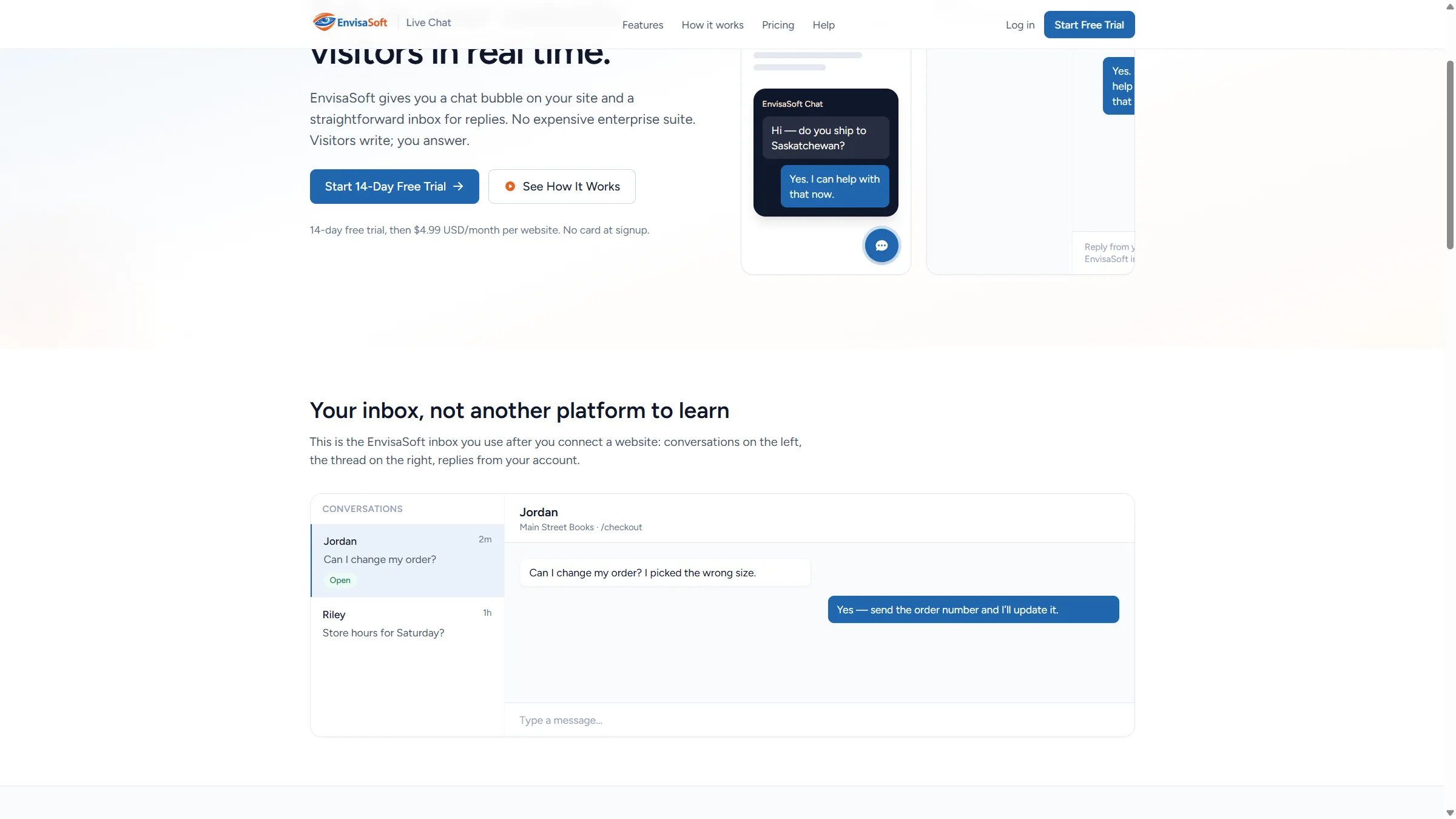
Screenshot from chat.envisasoft.com
Controls
Built with the controls we actually ship.
Product information, not a certification or a claim of legal compliance.
- HTTPS for the app; WSS for live updates when connected
- Customers only open websites they own or are assigned to
- Signed-in accounts; administrators use two-factor authentication
- WordPress Connect uses authorization code + PKCE
- HTTP-only session cookies; visitor tokens hashed in the database
- Rate limits on chat, login, and OAuth endpoints
Pricing
Straightforward pricing.
- 14-day free trial, then $4.99 USD/month per website
- 1 active website = $4.99/month
- 2 active websites = $9.98/month
- 3 active websites = $14.97/month
- Agents and visitors are not billed
- No setup fee
- Cancel anytime
You do not enter a card at signup. Stripe Checkout starts the trial when billing is enabled. Payment is not collected while billing is disabled.